Meta / Contents
An Inside Look Into Distributing Development Tasks Across Cloud and Local AI Agents
How I orchestrate cloud agents, local agents, and git worktrees to tackle multiple GitHub issues in parallel—and why spreading the load across compute environments has changed how I think about velocity.
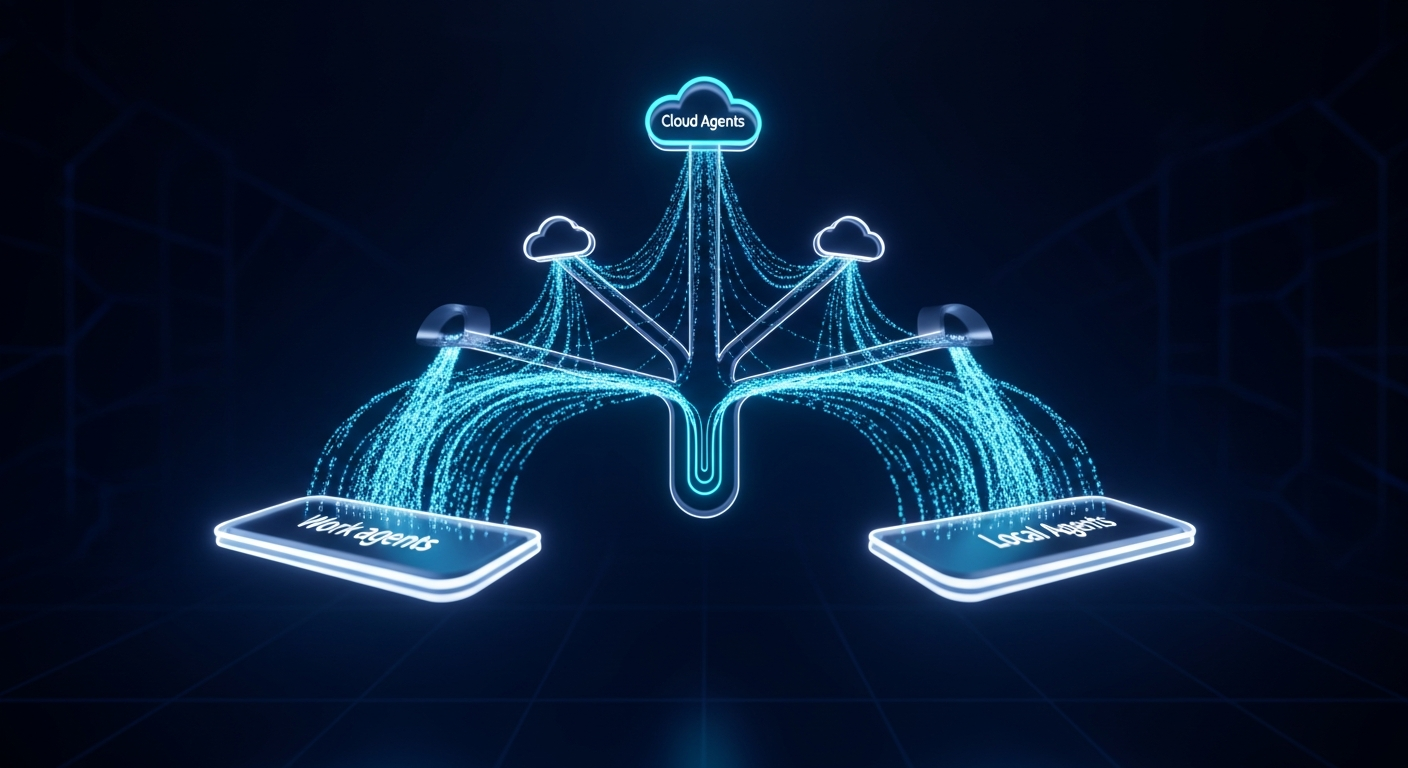
A few weeks ago, I wrote about how spec-driven development with Claude and GitHub CLI transformed how I turn fuzzy ideas into actionable GitHub issues. That was about the input side of my workflow—getting the work well-defined.
This post is about the execution side: how I distribute that work across cloud agents, local agents, and parallelized git worktrees to maximize throughput. The short version? I'm running what amounts to a distributed development team, and the "team members" are a mix of cloud agents (VMs), my development laptop, and some carefully orchestrated git magic.
The Big Picture: Cloud + Local + Parallelization
My current workflow breaks down into three complementary strategies:
- Cloud agents for async, fire-and-forget tasks (overnight PRs, issue-triggered work)
- Local agents for interactive iteration and quality gates
- Divide-and-conquer parallelization using git worktrees and subagents for large refactors
Each has its sweet spot. The real power comes from knowing when to use which—and how to combine them.
Cloud Agents: Fire and Forget
Claude Code Web Agent via GitHub Actions
One of my favorite recent additions is the Claude Code GitHub Action. When I tag @claude in a GitHub issue comment, it spins up a cloud VM, checks out the repo, and starts working on the issue autonomously.
The workflow configuration is minimal:
name: Claude Code

on:
  issue_comment:
    types: [created]
  issues:
    types: [opened, assigned]

jobs:
  claude:
    if: |
      (github.event_name == 'issue_comment' &&
       contains(github.event.comment.body, '@claude') &&
       !github.event.issue.pull_request)
    runs-on: ubuntu-latest
    steps:
      - uses: actions/checkout@v4
      - uses: anthropics/claude-code-action@v1
        with:
          claude_code_oauth_token: ${{ secrets.CLAUDE_CODE_OAUTH_TOKEN }}
That's it. I write a well-spec'd issue, comment @claude, and wake up to a PR. The agent has access to my full AGENTS.md guidelines and standards, so the output is usually 80-90% production-ready.
This is perfect for:
- Features that are well-defined but time-consuming
- Work I want to delegate while I focus on something else
- Overnight tasks that benefit from async execution
CTO.new for Heavy Lifting
CTO.new remains a cornerstone for larger implementation tasks. As I covered in my previous post about AI agent orchestration, I assign GitHub issues directly to CTO by tagging @cto-new in a comment and it handles the full implementation cycle. Once complete, CTO.new will notify me via a comment on the issue with a link to the pull request.
The combination of Claude Code Web Agent for quick wins and CTO.new for meatier features gives me flexibility in how I distribute cloud work.
GitHub Copilot for Quality Gates
GitHub Copilot runs automatically on every PR through my CI pipeline. It handles:
- Automated code review via PR comments
- Test coverage analysis
- Code quality suggestions
- Standards compliance checks
This is the "automated code reviewer" layer that catches issues before I even look at a PR.
Local Agents: Interactive Power
While cloud agents handle async work, local agents give me interactive control for rapid iteration.
Gemini Pro for Local Code Review
I keep a code review command in my .claude/commands/ folder that works with both Claude and Gemini. When I want a quick local review without waiting for cloud CI, I can run it against any PR by ID:
/tutorpro:code-review 456
The command fetches the PR diff, reviews it against my standards documents, and posts structured feedback. Same review quality, but I control when and where it runs.
Claude Code CLI for Most Everything Else
Claude Code in my terminal remains my primary interactive development tool. Whether I'm in Cursor, VS Code, or a raw terminal, it handles:
- Spec writing and issue creation
- Feature implementation
- Debugging and troubleshooting
- Coordinating the divide-and-conquer workflow (more on that below)
The local agents let me iterate FAST without network latency and outperforms any cloud agent VM (for now)
Divide and Conquer: Parallelizing with Git Worktrees
This is where things get exciting. For large refactors or when I have multiple related issues, I use a custom divide-and-conquer command that orchestrates parallel work across git worktrees.
The Problem with Serial Work
Most developers (including past me) approach a 10-issue refactor like this:
- Pick up issue 1
- Implement, test, PR, merge
- Pick up issue 2
- Repeat 8 more times
That's fine, but it's slow. Each issue waits for the previous one, even when they're independent.
The Worktree Solution
Git worktrees let you check out multiple branches simultaneously in different directories. My divide-and-conquer command automates this:
# Create worktrees for each subtask
git worktree add ../tutor-pro-worktrees/subtask-1-typography feature/css-refactor
git worktree add ../tutor-pro-worktrees/subtask-2-badges feature/css-refactor
git worktree add ../tutor-pro-worktrees/subtask-3-cards feature/css-refactor
Each worktree gets its own Claude Code session working on a specific, non-overlapping slice of the work. The key principles:
- No file overlap: Each subtask owns specific files/directories
- Clear boundaries: Subtasks are scoped to 1-4 hours of focused work
- Independent testability: Each can be verified without the others
- Same branch: All worktrees commit to the same feature branch
Real Example: 10-Issue CSS Refactor
Last week, I tackled a comprehensive CSS refactoring across my entire component library. The spec-writer broke it into 10 phased issues:
| Issue | Description | Duration |
|---|---|---|
| #544 | Typography & Utility @apply Classes | ~11 min |
| #545 | CSS Standards Documentation | ~11 min |
| #546 | Create Text Component | ~45 min |
| #547 | Extend Badge Component with Variants | ~44 min |
| #548 | Migrate Badge Usage Across Codebase | ~45 min |
| #549 | Migrate Button Usage Across Codebase | ~45 min |
| #550 | Migrate Card Usage in Profile Components | ~61 min |
| #551 | Migrate Card Usage in Calendar Components | ~61 min |
| #552 | Enhance Avatar & Migrate Usage | ~60 min |
| #553 | Large File Comprehensive Refactors | ~61 min |
The issues were designed with clear boundaries—no file touched by more than one issue. I spun up 3-5 worktrees at a time, each with its own Claude subagent session. PRs started flowing in, getting reviewed and merged while other subtasks were still in progress.
Total wall-clock time? A fraction of what serial execution would have taken. The individual PRs merged in under 15 minutes each because they were focused and testable in isolation.
The Coordination Layer
The divide-and-conquer command includes a coordination phase that prevents chaos:
## Session 1 (Subtask: Typography Classes):
- Worktree: ../tutor-pro-worktrees/typography
- Files to modify: src/index.css (typography section only)
- Do NOT touch: Component files, other CSS sections
- Test with: npm run lint && npm run build

## Session 2 (Subtask: Badge Migration):
- Worktree: ../tutor-pro-worktrees/badges
- Files to modify: src/components/ui/Badge.tsx, files using Badge
- Do NOT touch: Button, Card, or typography files
- Test with: npm test -- Badge && npm run lint
Each session knows exactly what it owns and what's off-limits. If an agent tries to modify a file outside its scope, it stops and alerts me rather than creating merge conflicts.
Spreading the Load
One underappreciated benefit of this setup: compute distribution.
When I'm running 3-5 local worktree sessions plus a cloud agent or two, I'm spreading the cognitive and computational load across:
- My laptop (local agents in each worktree)
- Cloud VMs (GitHub Actions, CTO.new)
- Different API providers (Anthropic, Google, GitHub)
This means:
- No single point of failure
- Better API quota utilization
- Parallel progress on independent tasks
- My laptop stays responsive even under heavy load
It's the same principle that makes distributed systems resilient—except the "system" is my development workflow.
When to Use What
After months of iteration, here's my decision tree:
Use Cloud Agents (Claude Code Web, CTO.new) when:
- Task is well-spec'd and self-contained
- You want async execution (overnight, while focusing elsewhere)
- The work doesn't require rapid interactive iteration
Use Local Agents (Claude CLI, Gemini, Cursor Composer) when:
- You need interactive control
- Rapid iteration cycles are important
- You want to avoid cloud API latency
- You're debugging or exploring
Use Divide-and-Conquer when:
- Large group of similar work, such as a large feature or refactor, spanning many files
- Multiple independent issues that can run in parallel
- You want to maximize velocity on a focused initiative
- The work can be cleanly partitioned
The Orchestrator Mindset
The biggest shift in my thinking isn't about any individual tool—it's about seeing myself as an orchestrator rather than an implementer.
I spend more time:
- Writing clear specs that agents can execute
- Designing task boundaries that enable parallelization
- Reviewing and integrating agent output
- Maintaining the standards and guidelines that keep everything consistent
And less time:
- Writing boilerplate code
- Doing repetitive refactors manually
- Context-switching between unrelated tasks
The tools do the implementation. I do the architecture, quality control, and creative problem-solving. It's a better division of labor—and honestly, it's more fun. Well, most days. Some days I still feel like a parent trying to coordinate carpools for teenagers who all need to be in different places at the same time.
Getting Started
If you want to experiment with this approach:
- Start with cloud agents: Set up the Claude Code GitHub Action and try tagging
@claudeon a well-defined issue - Add local agents: Install Claude Code CLI or Gemini CLI for interactive work
- Try one parallel session: Use
git worktree addto create a second working directory and run two agent sessions on non-overlapping tasks - Build your standards: Create an
AGENTS.mdor similar doc that all your agents can reference for consistency
The individual pieces aren't complicated. The power comes from combining them intentionally.
What's Next
I'm still experimenting. Cursor's Background Agents look promising but need more configuration to match my workflow. I'm also exploring MCP servers for cloud based agents for better tool integration and thinking about how to automate more of the coordination layer.
The landscape keeps evolving, and so does my process. But the core insight remains: distribute the work, maintain the standards, orchestrate the agents. Everything else is implementation details.
–Jeremy